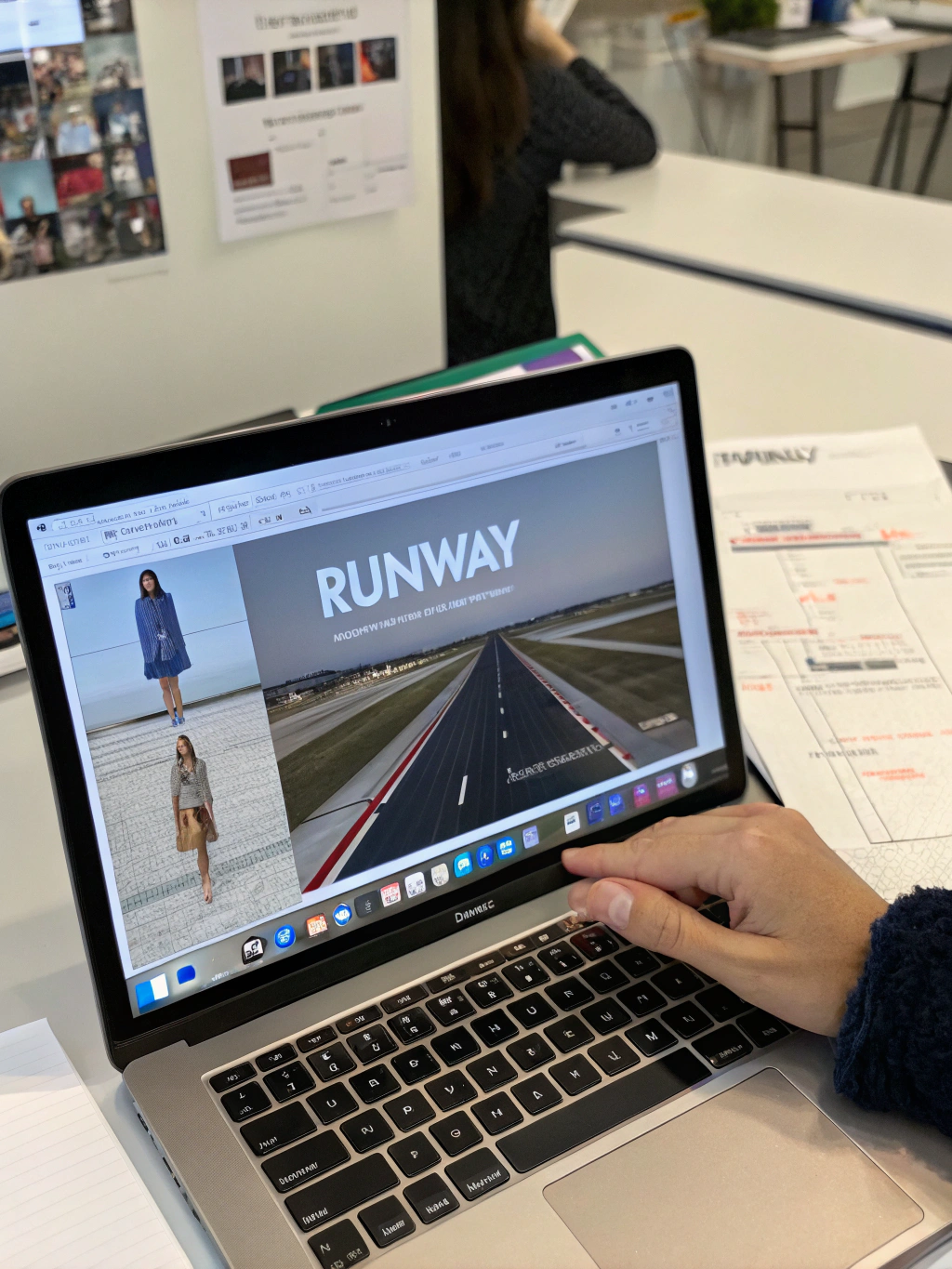
Runway AI Video Editing Tutorial
Unleash Your Creative Potential: A Deep Dive into Runway ML
The intersection of artificial intelligence and creativity is exploding, and at the forefront of this revolution is Runway ML. But if you’re new to the field, you might be wondering: how to use Runway effectively? This powerful platform is changing the game for artists, designers, filmmakers, and anyone looking to explore the possibilities of generative AI. Whether you’re a seasoned creative professional or just starting to experiment, this comprehensive guide will walk you through the key features and functionalities, offering a practical introduction to this game-changing tool. We’ll cover everything from basic image generation to advanced video editing with AI, and even explore its potential impact on future creative workflows.
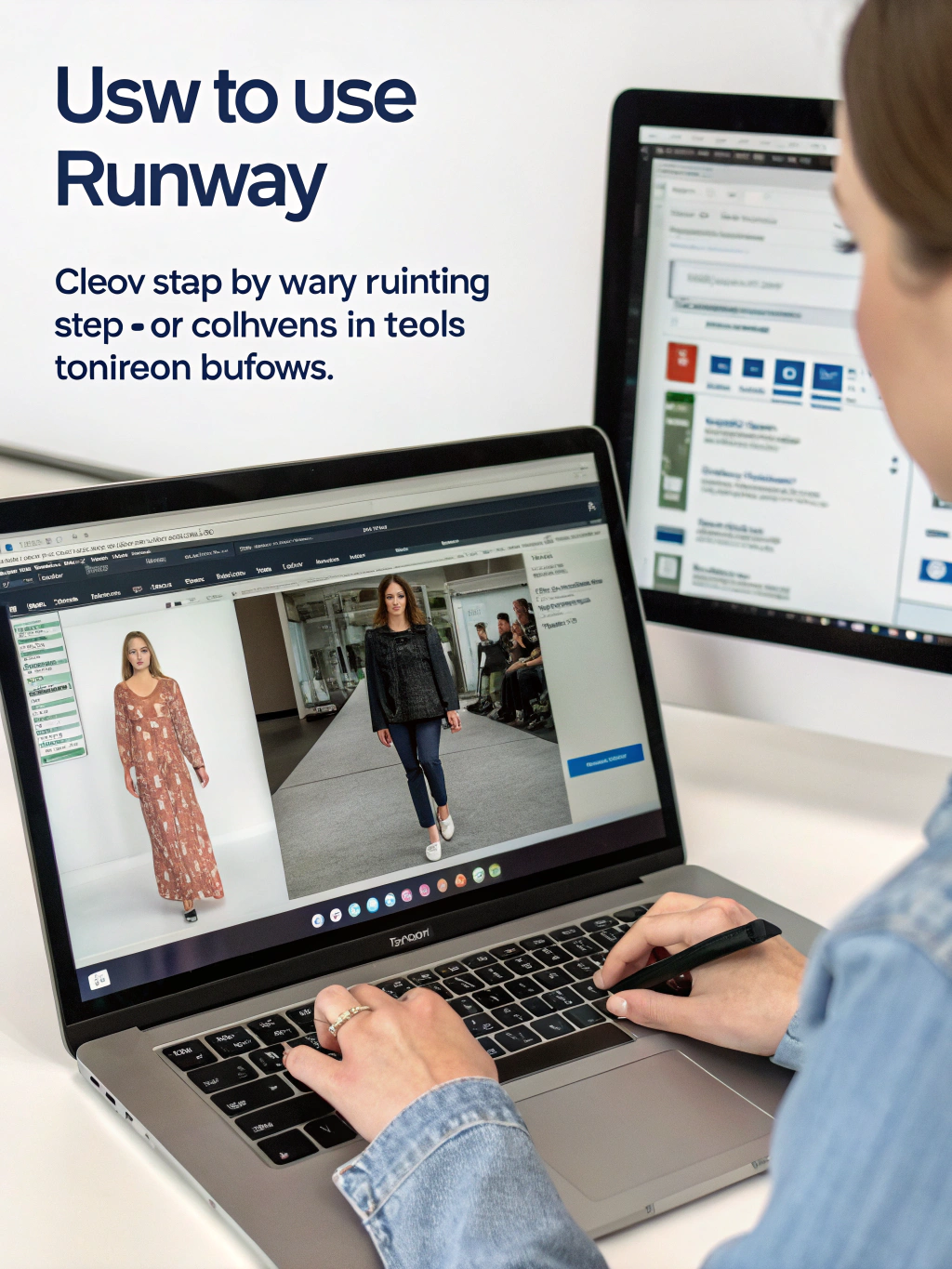
Understanding Runway ML: A Generative AI Powerhouse
Runway ML isn’t just another AI tool; it’s a versatile platform offering a suite of AI-powered creative tools. It allows users to generate images, edit videos, create animations, and experiment with various AI models – all within a user-friendly interface. Unlike many AI tools that focus on a single task, Runway provides a comprehensive ecosystem for experimentation and creation, making it a valuable asset for those looking to push the boundaries of digital art and filmmaking.
Getting Started: Navigating the Runway Interface
The Runway interface might seem daunting at first, but it’s surprisingly intuitive. Let’s walk through the basics:
- The Dashboard: This is your central hub, providing access to all of Runway’s features. You’ll find templates, projects, and recent activities here.
- Models: This section houses the different AI models Runway offers, categorized by function (image generation, video editing, etc.). Explore the various options to discover what sparks your interest.
- Projects: Create and manage your creative projects. Each project acts as a workspace for your experiments.
- Community: Access tutorials, inspiration, and connect with other Runway users. The community is a great resource for learning new techniques and finding inspiration.
For a detailed walkthrough, check out a helpful Runway ML tutorial for beginners.
Key Features and How to Use Them
Let’s dive into some of Runway’s standout features and explore how to use them:
1. Image Generation (Gen-1 & Gen-2): Runway’s image generation models are incredibly powerful. You can generate images from text prompts, upload images for style transfer, or even create variations of existing images.
- Gen-1: Offers fast image generation, ideal for rapid prototyping and exploring ideas.
- Gen-2: Delivers higher-resolution images with improved realism and aesthetic quality.
- How to use: Simply enter a detailed text prompt describing the image you want to generate. Experiment with different prompts and settings (style, aspect ratio, etc.) to fine-tune the results. You can then download or further edit the generated image.
2. Video Editing with AI: This is where Runway truly shines. Runway allows you to edit videos using AI-powered tools, such as:
- Motion Tracking: Automatically track objects in your video for precise editing.
- Object Removal: Easily remove unwanted objects from your video frames.
- Style Transfer: Apply the style of one video to another.
- Slow Motion & Speed Ramping: Adjust the speed of your video with AI-powered smooth transitions.
- How to use: Upload your video and utilize the various AI tools to transform it. For instance, you can use motion tracking to isolate a character and apply a visual effect to them, or use object removal to clean up a scene. A comprehensive Runway ML tutorial will provide many examples.
3. Text-to-Image & Image-to-Text: Runway supports both text-to-image and image-to-text functionalities, expanding its creative scope.
- Text-to-Image: Generate images from written descriptions.
- Image-to-Text: Derive text from images, a powerful feature for accessibility and content analysis.
The Future is Now: AI Agents and Automation in Creative Workflows
Runway is rapidly integrating with the burgeoning field of AI agents and automation. This means you can increasingly automate repetitive tasks and streamline your creative processes. Imagine automatically generating storyboards from script outlines or creating variations of marketing materials with a few clicks. The possibilities are endless.
Table: Runway ML Model Comparison
| Feature | Gen-1 | Gen-2 |
|---|---|---|
| Image Quality | Fast, Lower Resolution | High Quality, Higher Resolution |
| Speed | Very Fast | Slower |
| Realism | Less Realistic | More Realistic |
| Use Cases | Prototyping, Rapid Exploration | Final Production, High-End Art |
| Cost | Generally Lower | Generally Higher |
Practical Experience & Real Use Case
Let’s say you’re a marketing director needing to create engaging social media content quickly. Instead of relying on stock photos or expensive photo shoots, you can use Runway to generate unique visuals tailored to your campaign. You could input a prompt like “futuristic cityscape at sunset, vibrant colors, cinematic,” and Runway would generate several variations you could then refine. Further, you could take a video clip of a product demonstration and use Runway to remove distracting background elements or enhance the visual appeal with subtle effects. This dramatically reduces content creation time and unlocks creative flexibility.
When Runway Might Not Be the Best Fit
While Runway offers a plethora of exciting capabilities, it’s not a one-size-fits-all solution. If you require complete control over every aspect of your creative process and prefer traditional workflows, Runway’s AI-driven approach might feel limiting. Furthermore, complex projects requiring exceptionally nuanced control might still benefit from dedicated professional software. The pricing structure can also be a consideration for users with limited budgets.
The Impact on Stock Investments and Alternative Strategies
The rise of generative AI platforms like Runway ML is impacting various investment strategies. Publicly traded companies developing similar AI technologies are attracting significant investment. Moreover, Runway can be used to create unique assets for content creators, potentially impacting the stock market related to stock photography and video agencies. Alternative investment strategies focused on digital art and metaverse-related assets are also likely to benefit from the expanded capabilities Runway and similar platforms provide.
Conclusion: Embrace the AI-Powered Future of Creativity
How to use Runway is a journey of exploration and experimentation. It presents a powerful opportunity for creatives to augment their skills and explore new artistic frontiers. The platform is constantly evolving, with new models and features being released regularly. Stay updated with the latest developments by following the Runway community and exploring the official documentation.
What are your thoughts on generative AI and its impact on creative fields? Share your experiences and questions in the comments below! Don’t forget to share this post with your fellow creatives! You can also explore other useful AI tools on our website.
Share this content:












Post Comment