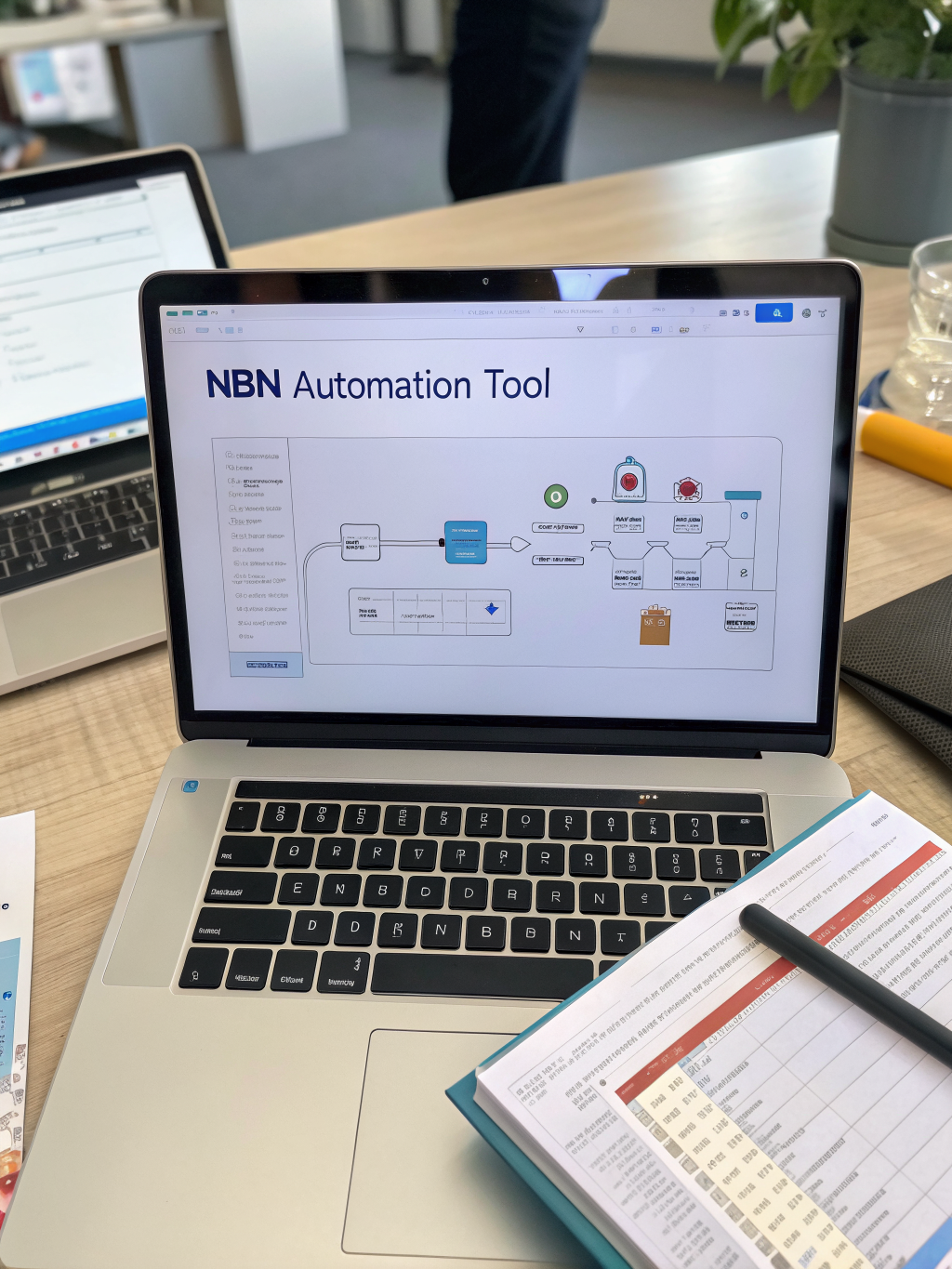
How to Use n8n to Build AI Automation Workflows for Small Businesses
Streamline Your Business with AI: Mastering n8n Automation
Small businesses are constantly searching for ways to work smarter, not harder. The rise of artificial intelligence offers incredible potential, but often feels complex and out of reach. The good news is that powerful automation tools can bridge this gap. Learn how to use n8n automation tool to build ai workflows for small businesses and unlock a new level of efficiency. This guide will walk you through the essentials, showing you how to integrate AI capabilities into your existing processes.
What is n8n and Why is it Ideal for AI Workflows?
n8n is a leading open-source workflow automation platform. Unlike many traditional tools, n8n offers a visual interface that makes building complex workflows accessible even without extensive coding knowledge. This visual approach is particularly beneficial when integrating AI services, which often require handling data in specific formats. This flexibility makes it a fantastic choice for those looking to implement sophisticated automation for their small businesses. It allows you to connect various applications and services, orchestrating tasks based on triggers and conditions – a core requirement for effectively utilizing AI.
Building Your First AI Workflow with n8n
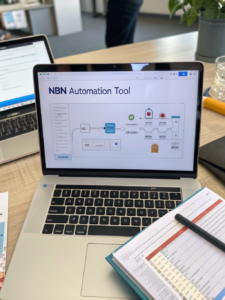
Let’s dive into the process of creating your first AI workflow using n8n. We’ll start with a simple example: automatically summarizing customer support tickets using an AI service.
Install and Configure n8n: Download and install n8n on your preferred server (local, cloud, etc.). Familiarize yourself with the user interface, which is designed to be intuitive. A solid understanding of the n8n interface will make subsequent workflow creation much smoother.
Add a Trigger: Define the event that will initiate your workflow. For example, a new ticket being created in your helpdesk system (like Zendesk or Help Scout). n8n supports a wide array of triggers.
Integrate with an AI Service: This is where the magic happens. Choose an AI service (e.g., OpenAI’s GPT models, Google Cloud AI Platform) and add its corresponding integration to n8n. You’ll need to obtain API keys for the AI service.
Define the AI Task: Configure the AI service to perform the desired task – in this case, summarization. You’ll need to input the ticket content as data and set the parameters for the AI model (e.g., desired summary length).
Add an Action: Specify what should happen after the AI service completes its task. You might want to store the summary in your CRM, send a notification to the support team, or update the ticket itself.
Test and Deploy: Thoroughly test your workflow with sample data to ensure it functions as expected. Once you’re satisfied, deploy the workflow to run automatically.
Practical Experience & Real Use Case
Let’s consider a real-world scenario for a small e-commerce business. They want to automatically generate product descriptions from basic product information. Here’s a step-by-step workflow:
- Trigger: New product added to Shopify.
- Action 1: Extract product details (name, features, price) from the Shopify webhook payload.
- Action 2: Send the product details to an API like Jasper.ai (or similar) for description generation.
- Action 3: Update the product description in Shopify.
Common Beginner Mistakes & How to Fix Them
A frequent issue new users face is incorrect data formatting. The AI service requires data in a specific format. For example, if you don’t properly structure the data being sent to the AI service, you will encounter errors. To fix this, use n8n’s built-in data transformation modules to ensure data is in the required format before sending it to the AI service. Another common mistake is not handling API rate limits; you could quickly exceed your API quota and experience workflow failures. Implement delay steps or retry mechanisms to avoid this.
Limitations and Alternative Strategies
While n8n is powerful, it’s not always the perfect solution. For very simple AI tasks, a no-code AI platform might be more straightforward. Also, very high-volume data processing might be better handled by specialized data pipelines. Consider the complexity of your workflow and the volume of data when choosing a tool.
Comparison of Automation Tools:
| Tool | Complexity | AI Integration | Cost | Use Case |
|---|---|---|---|---|
| n8n | Medium | Excellent | Open Source | Complex workflows, custom integrations |
| Zapier | Low | Good | Paid | Simple integrations, less technical users |
| Make (Integromat) | Medium | Good | Paid | Visual workflows, data transformation |
| Bubble | Medium | Limited | Paid | Web app development with automation |
AI Workflow Potential: Quick Answer
Automating customer support responses using an AI chatbot is a popular use case. n8n can connect your helpdesk system, a chatbot platform (like Dialogflow), and your knowledge base to automatically answer frequently asked questions and escalate complex issues to human agents.
Beyond the Basics
n8n’s power extends far beyond simple summarization. You can use it to automate tasks such as:
- Sentiment analysis of customer reviews
- Personalizing marketing emails based on customer behavior
- Automatically tagging and categorizing data
- Generating content for social media
Conclusion
How to use n8n automation tool to build ai workflows for small businesses is becoming increasingly accessible. By combining n8n’s flexibility with the power of AI, you can automate tasks, streamline processes, and unlock new opportunities for growth. Remember to start small, test thoroughly, and iterate based on your results.
What are your thoughts? Share your experiences with n8n and AI workflows in the comments below!
Want to learn more about automating your business? Explore our articles on best automation tools for small business and integrating AI into marketing.
Frequently Asked Questions
Can n8n handle large amounts of data for AI processing?
Yes, n8n can process significant amounts of data, but performance depends on your server resources and the complexity of your workflow. Optimize your workflows and consider scaling your server if needed.
What are the best AI services to integrate with n8n?
Popular choices include OpenAI, Google Cloud AI Platform, Azure AI, and Cohere. The best option depends on your specific needs and budget.
Is n8n difficult to learn?
While there’s a learning curve, n8n’s visual interface makes it relatively easy to grasp the basics. The n8n community is also a great resource for support and tutorials.
How secure is using n8n for AI workflows?
n8n offers various security features, including data encryption and access controls. However, you are responsible for securing your server and API keys.
What level of coding expertise is required to use n8n?
Basic understanding of APIs is helpful, but n8n’s visual editor minimizes coding requirements. For advanced customization, some JavaScript knowledge can be beneficial.
Share this content:




Post Comment