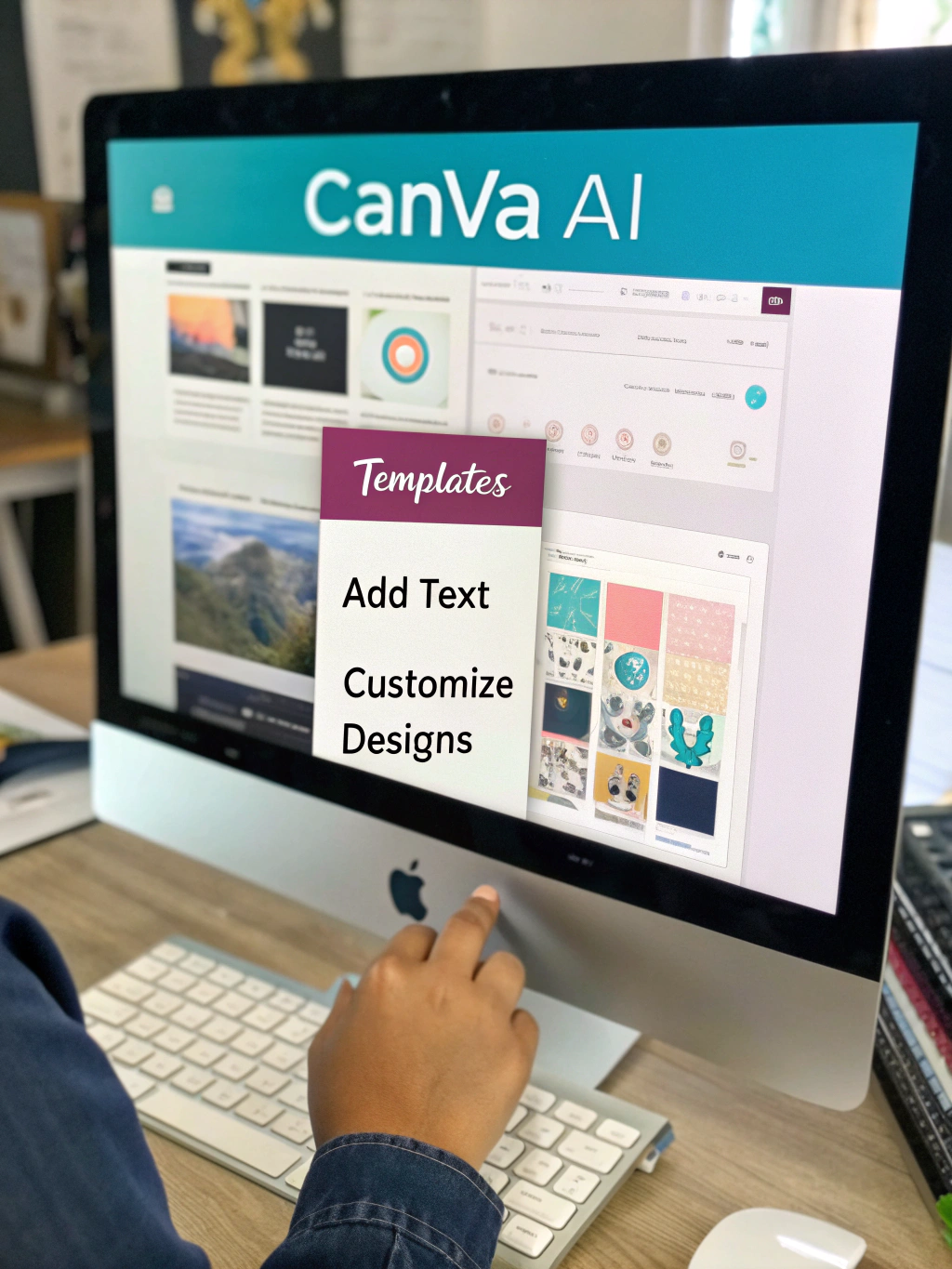
Canva AI Tools Explained
Unleash Your Creativity: Mastering the Power of Canva AI in 2024
The digital landscape is evolving at warp speed. From the volatile crypto markets to the rise of sophisticated AI agents, staying ahead requires embracing new tools and strategies. One area experiencing a particularly exciting transformation is graphic design, and at the forefront of this change is artificial intelligence. If you’ve ever wished you could conjure stunning visuals without extensive design skills, you’re not alone. We’re diving deep into how to use Canva AI, exploring its capabilities, practical applications, and limitations to help you unlock your creative potential. This isn’t just about features; it’s about how you can leverage these powerful tools to save time, boost your brand, and elevate your content. Prepare to be amazed by what’s possible with AI-powered design.
What is Canva AI and Why Should You Care?
Canva, already a popular go-to for design, has integrated impressive AI capabilities into its platform. These tools, collectively known as Canva Magic tools, are designed to streamline the design process, making it faster, easier, and more accessible to everyone, regardless of their design expertise. Think of it as having a digital design assistant at your fingertips. While other platforms are also incorporating AI, Canva’s user-friendly interface and broad feature set make it a particularly compelling option.
The power of Canva AI lies in its ability to automate tedious tasks, suggest creative solutions, and help you produce professional-looking graphics quickly. This can be a game-changer for small business owners, marketers, social media managers, and anyone who needs eye-catching visuals.
Generating Images with Text: A Designer’s New Best Friend
One of the most remarkable features of Canva AI is its image generation capabilities. Simply describe the image you want in a text prompt, and Canva’s AI will generate several options for you. This is incredibly useful for creating unique visuals when stock photos don’t quite fit your needs.
To get started, navigate to the “Magic Write” or “Magic Media” tab within Canva. Craft your prompt carefully, being as descriptive as possible about the subject, style, color palette, and mood you envision. Experiment with different prompts to refine the results. It might take a few tries to get exactly what you want, but the AI’s ability to iterate based on your feedback is impressive. 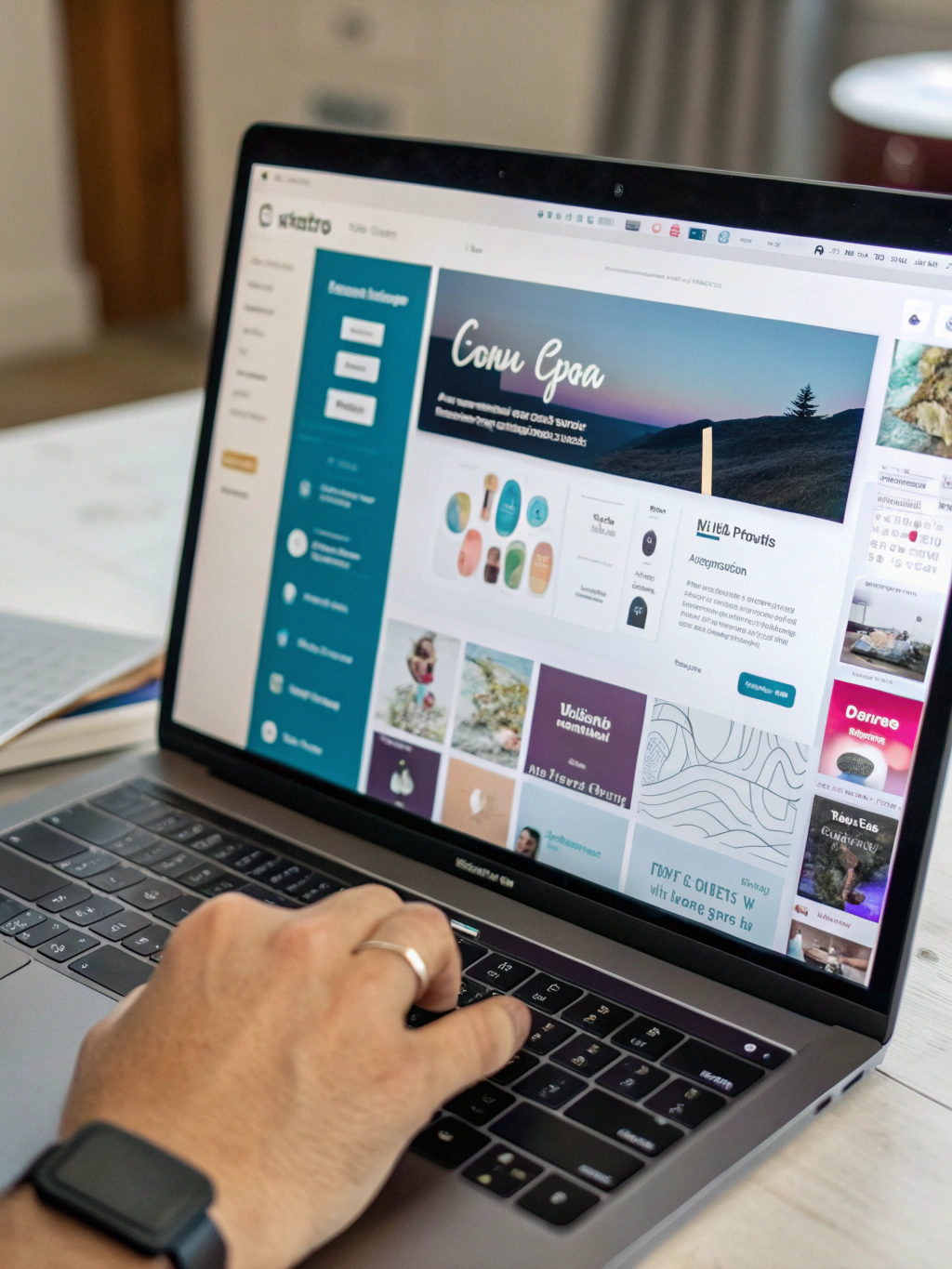
Enhancing Existing Images with AI
Canva AI isn’t just about creating images from scratch; it can also enhance existing ones. The background remover tool is a popular example, allowing you to quickly isolate subjects for compositing and creative effects. Furthermore, the image enhancer can upscale low-resolution images, improving their clarity and detail. This is particularly beneficial for older photos or images sourced from less-than-ideal sources.
Simplifying Text Creation & Editing with Magic Write
Beyond image generation, Canva AI excels at simplifying text creation and editing. The “Magic Write” feature helps you generate different types of text content, from social media captions to blog outlines. It can also rewrite existing text to improve its clarity, tone, or length. This can save you valuable time and effort, especially when facing writer’s block.
Automating Design Tasks: Your Time-Saving Secret Weapon
The true power of Canva AI lies in its ability to automate repetitive design tasks. For example, if you need to resize multiple graphics for different social media platforms, Canva AI can handle the resizing automatically, ensuring consistent branding across all your channels. The smart resize feature ensures your designs always look their best, no matter the dimensions.
Practical Experience & Real Use Case
Let’s say you’re launching a new product – a handcrafted leather wallet. You need visuals for your Instagram posts, website, and promotional materials. Traditionally, this would involve either hiring a designer or spending hours learning design software. With Canva AI, the process becomes dramatically streamlined.
Step 1: In Canva, create a new design (e.g., Instagram post).
Step 2: Use “Magic Media” to generate an image of the wallet on a rustic wooden surface. Your prompt might be: “A high-quality photo of a brown leather wallet on a wooden table, natural lighting, rustic style.” Experiment with different prompt variations.
Step 3: Use “Magic Write” to generate several caption options for the post. Prompt it with “Write 5 Instagram captions for a new handcrafted leather wallet. Include relevant hashtags.”
Step 4: Use the background remover tool to isolate the wallet in the generated image and create a product shot for your website.
Common Mistakes & How to Fix Them:
- Vague Prompts: The AI needs clear instructions. Don’t just say “a picture of a car.” Specify the car model, color, and style.
- Over-reliance on AI: AI is a tool, not a replacement for creativity. Always review and refine the AI-generated results to ensure they align with your brand.
- Ignoring Aspect Ratios: Ensure your designs are formatted correctly for the intended platform. Canva AI’s smart resize feature helps with this, but it’s still important to double-check.
Canva AI vs. Other AI Design Tools
| Feature | Canva AI | Adobe Firefly | Midjourney |
|---|---|---|---|
| Ease of Use | Very Easy (User-Friendly Interface) | Moderate (Steeper Learning Curve) | Moderate (Discord-Based Interface) |
| Image Options | Good for Social Media, Marketing | High Quality, Photorealistic | Stunning Artistic Styles |
| Text Generation | Excellent (Magic Write) | Basic | Limited |
| Automation | Strong (Smart Resize, Background Remover) | Emerging | Limited |
| Pricing | Freemium (Generous Free Tier) | Subscription-Based | Subscription-Based |
Limitations & When Canva AI Might Not Be the Best Choice
While Canva AI is incredibly powerful, it’s not a magic bullet. Its image generation, while improving rapidly, sometimes produces outputs that can feel generic or lack originality. For highly specialized or complex visual concepts, a skilled human designer may still be the better choice. Furthermore, AI-generated images can sometimes raise ethical considerations regarding copyright and ownership, so it’s important to review Canva’s terms of service and understand the implications before using them for commercial purposes.
The Future of Design is AI-Powered
Canva AI represents just the tip of the iceberg when it comes to the intersection of artificial intelligence and design. As AI technology continues to advance, we can expect even more sophisticated tools to emerge, further blurring the lines between human creativity and machine intelligence.
Ready to explore the possibilities?
Sign up for a free Canva account today and start experimenting with how to use Canva AI! Share your creations with us in the comments below, and let us know what you think of the power of AI-driven design. Don’t forget to share this article with your fellow creatives!
Share this content:










Post Comment