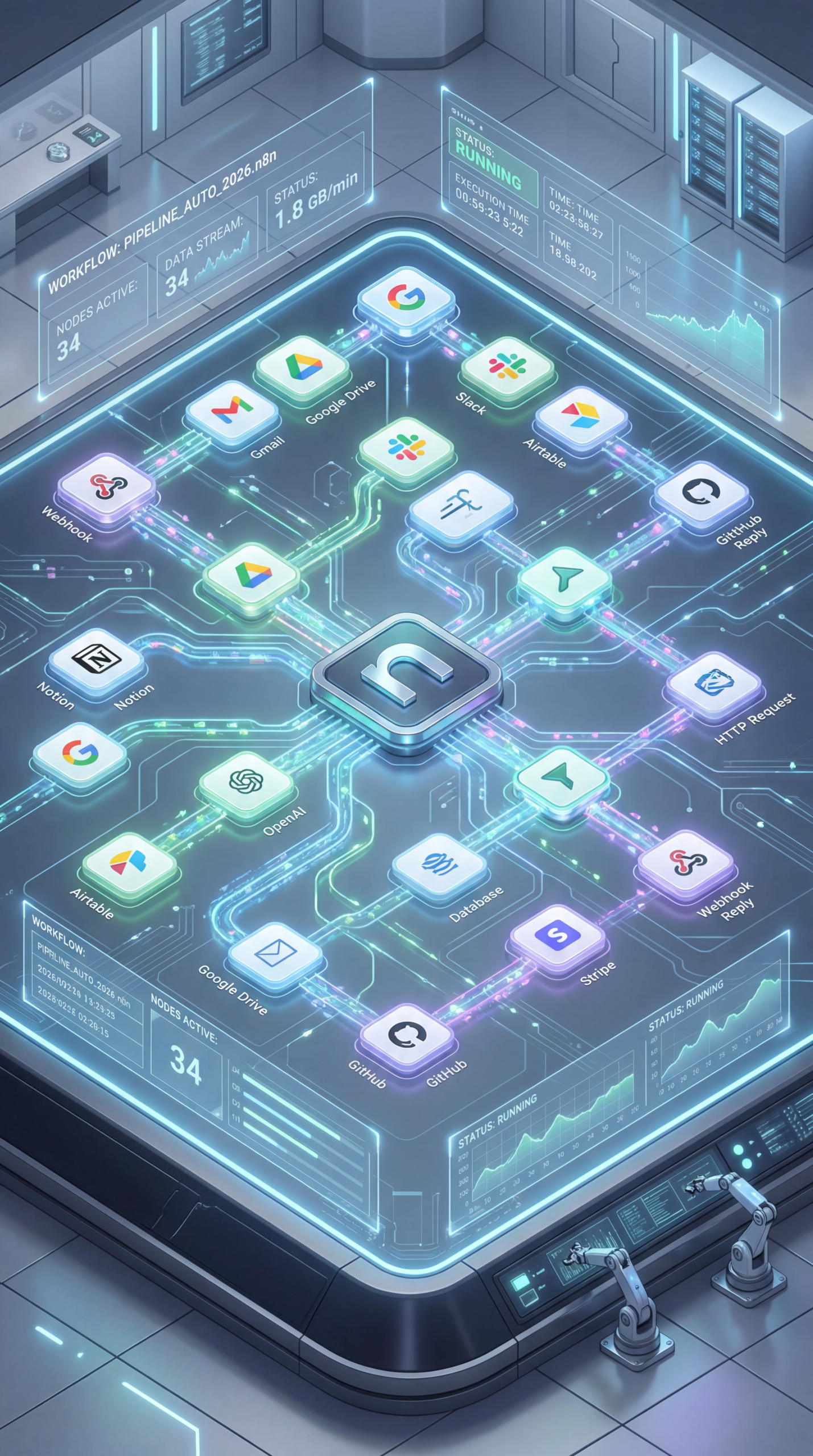
n8n Recipe Automation Workflow Guide 2026
Streamlining Your Kitchen: Mastering n8n Recipe Automation Workflow 2026
The way we interact with food is rapidly evolving. From personalized nutrition plans to effortless meal prepping, technology is playing an increasingly significant role. At the heart of this transformation lies automation, and a powerful tool driving this change is n8n. If you’re looking to simplify your food life, especially with detailed recipe management, then understanding n8n recipe automation workflow 2026 is crucial. This guide will walk you through how to leverage n8n to automate your recipe workflows, making meal planning and cooking more efficient than ever.
Understanding the Power of Automated Recipe Workflows
Imagine a world where your favorite recipes are automatically organized, nutritional information is readily available, and meal plans are generated based on your preferences and dietary needs. This isn’t science fiction; it’s the reality that n8n recipe automation workflow 2026 is enabling. By connecting various APIs and services, you can build custom workflows that handle everything from fetching recipes from online sources to sending daily recipe emails. This level of automation frees up valuable time and reduces the mental load associated with meal management.
Core Components of an Effective n8n Recipe Automation Workflow
Building a robust workflow involves several key components. You’ll typically need to:
- Fetch Recipes: Utilize APIs like Edamam or Spoonacular to pull recipes based on keywords, ingredients, or dietary restrictions.
- Data Transformation: Clean and structure the fetched data into a consistent format for easy processing.
- Storage: Store your recipes in a database (like Airtable or Google Sheets) or a structured file format.
- Automation Triggers: Set up triggers, such as scheduled intervals or user actions, to initiate your workflows.
- Notifications: Send recipe updates or meal plans via email, messaging apps, or other channels.
Practical Experience & Real Use Case: Building a Daily Recipe Email Automation
Let’s consider a practical scenario: automating a daily recipe email. Here’s a step-by-step breakdown:
- Trigger: Set up a daily schedule trigger in n8n.
- API Call: Use the Edamam API to fetch a random recipe based on specified filters (e.g., “vegetarian,” “quick”).
- Data Extraction: Extract relevant information from the API response, such as the recipe name, ingredients, instructions, and a link to the full recipe.
- Email Generation: Utilize an email API (like SendGrid or Mailgun) to create an email with the extracted recipe details.
- Send Email: Configure the email API to send the generated email to your desired recipient.
Common Beginner Mistakes:
- Incorrect API Keys: Forgetting or entering API keys incorrectly is a frequent hurdle. Double-check your credentials!
- Handling Large Datasets: Trying to process too many recipes at once can overwhelm your workflow. Implement pagination or batch processing.
- Ignoring Error Handling: Not including error handling can lead to failed workflows. Implement error notifications and retry mechanisms.
How to Fix It:
- Store API keys securely within n8n’s secrets.
- Use n8n’s built-in loop and filter functionalities to manage data efficiently.
- Implement error nodes to capture and manage potential issues.
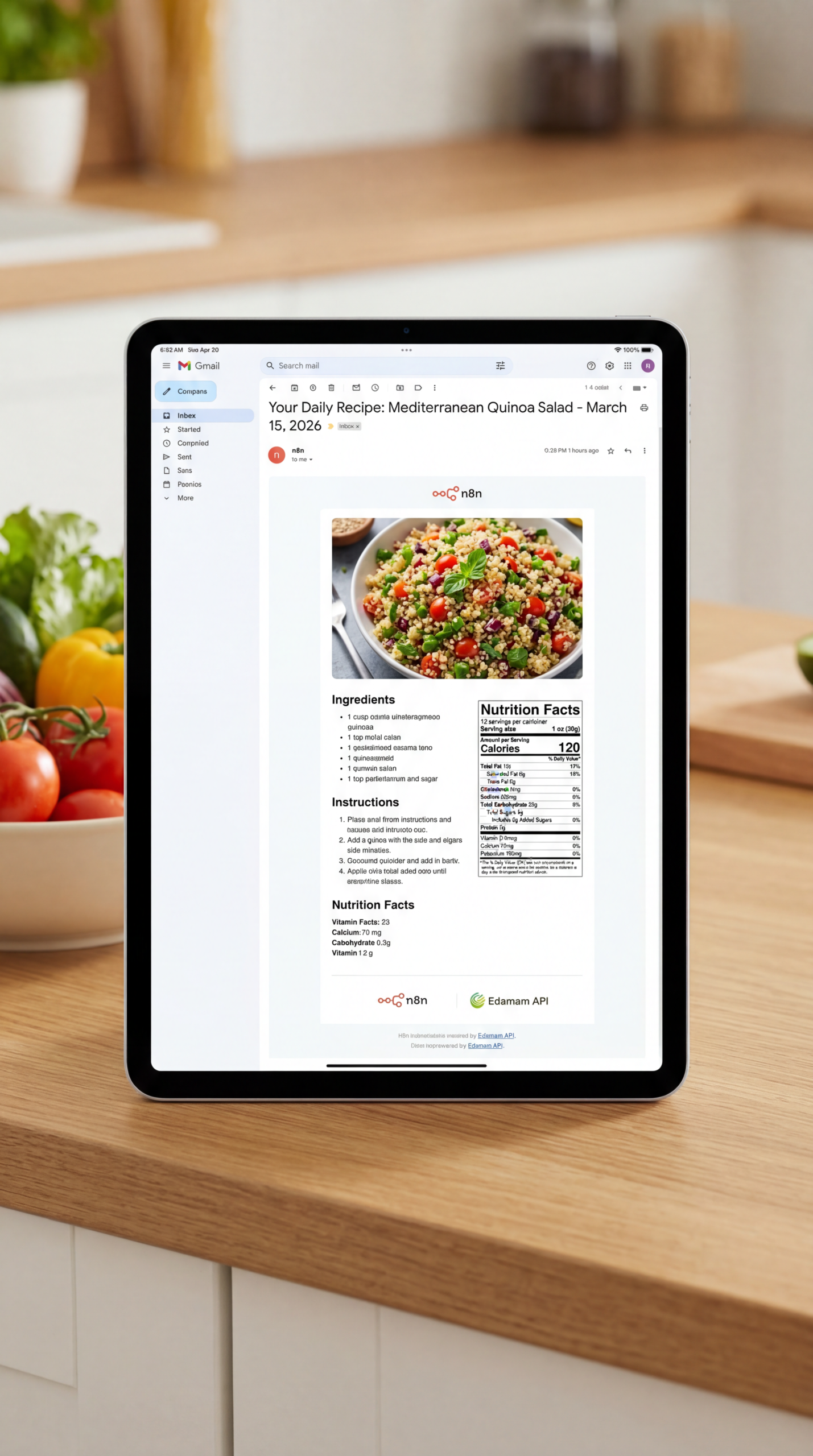
Exploring n8n Food Recipe Automation, Edamam API Workflow Automation, and More
n8n excels in integrating with various services. For instance, consider automating n8n food recipe automation, Edamam API workflow automation, daily recipe email automation 2026, automated meal planning n8n, recipe API integration tutorial. By integrating with the Edamam API, you gain access to a vast database of recipes and nutritional information. Similarly, integrating with services like Airtable allows you to store and manage your recipe data effectively. Understanding these integrations is key to maximizing the potential of your workflows.
Limitations and When n8n Might Not Be the Best Fit
While powerful, n8n isn’t a universal solution for every recipe management need. It requires a certain level of technical comfort and understanding of APIs. For users who prefer a completely hands-off approach without any technical setup, pre-built meal planning apps might be a more suitable option. Furthermore, complex recipes with intricate formatting might present challenges in automated extraction. The initial setup can also be time-consuming for those unfamiliar with workflow automation concepts.
Comparing Recipe Automation Options
| Feature | n8n | Meal Planning Apps (e.g., PlateJoy) | Custom Scripting (Python) |
|---|---|---|---|
| Customization | Highly Customizable | Limited | Extremely Customizable |
| Technical Skill | Moderate | Low | High |
| API Integration | Excellent | Varies | Excellent |
| Cost | Open-source (self-hosted), Cloud Plans | Subscription-based | Development & Hosting Costs |
| Complexity | Can be complex for advanced scenarios | Generally Simple | Highly Complex |
The Future of Recipe Automation with n8n
The trend towards personalized nutrition and convenient meal planning is set to continue. As AI tools become more sophisticated, we can expect even more powerful integrations with APIs like Edamam, allowing for hyper-personalized recipe recommendations based on individual dietary needs and preferences. n8n recipe automation workflow 2026 is poised to be at the forefront of this evolution, enabling users to effortlessly manage their culinary experiences.
Quick Insight: Automating your grocery list creation from your meal plan can save you significant time and reduce food waste.
Frequently Asked Questions
How easy is it to get started with n8n for recipe automation?
Getting started requires some technical setup, including creating an n8n account and configuring API connections. However, there are many online tutorials and community resources to guide you through the initial process.
Can n8n automatically generate shopping lists from my meal plan?
Yes, you can build a workflow to extract ingredients from your recipes and generate a shopping list. This typically involves using data transformation nodes and potentially integrating with a list management API.
What are the cost implications of using n8n for recipe automation?
n8n is open-source, meaning the software itself is free to use. However, if you choose to use their cloud platform, there are subscription fees based on usage. Self-hosting also involves infrastructure costs.
Is it possible to integrate n8n with voice assistants like Alexa or Google Assistant?
Yes, you can integrate n8n with voice assistants using services like IFTTT or by creating custom integrations using n8n’s webhooks functionality.
What kind of recipe APIs can I use with n8n?
Popular choices include Edamam, Spoonacular, and Yummly. The availability of APIs depends on your specific needs and the types of recipes you want to access.
Ready to take control of your kitchen and streamline your meal planning? Share your thoughts, questions, or experiences with recipe automation in the comments below! You might also be interested in exploring n8n’s community forum for more tips and support.
Share this content:












Post Comment