How to Build a No-Code AI Chatbot for Your Website to Capture & Qualify Leads
Unlock Lead Growth: A Guide to Building Your Own AI Chatbot
In today’s fast-paced digital world, capturing and qualifying leads is paramount for business growth. One powerful tool gaining traction is the AI chatbot. You might be wondering how to build a no code ai chatbot for your website to capture and qualify leads without extensive technical expertise. This comprehensive guide will walk you through the process, highlighting practical considerations and real-world insights. We’ll explore the benefits, popular platforms, and essential steps to creating a valuable asset for your online presence.
Why a Chatbot for Lead Capture Matters
Imagine a scenario where potential customers can instantly get answers to their questions, schedule demos, or request information – all without waiting for a human agent. This is the power of a chatbot. Beyond providing 24/7 support, a well-designed chatbot actively engages website visitors, gathers crucial data, and nurtures leads. This proactive approach translates to higher conversion rates and improved customer engagement. For businesses of all sizes, implementing a lead capture system through a chatbot offers a scalable and cost-effective solution.
Choosing the Right No-Code Platform
The good news is you don’t need to be a coding expert to create a sophisticated chatbot. Several user-friendly no-code platforms are available, each with its strengths and weaknesses. Here’s a quick overview:
- Tidio: A popular option known for its intuitive interface and affordable pricing. It offers live chat integration alongside chatbot capabilities.
- Landbot: Excels in creating visually appealing and interactive chatbot flows. Great for complex qualification processes.
- Chatfuel: Primarily focused on Facebook Messenger chatbots but also offers website integration.
- ManyChat: Another strong contender for Messenger but expanding its website chatbot features.
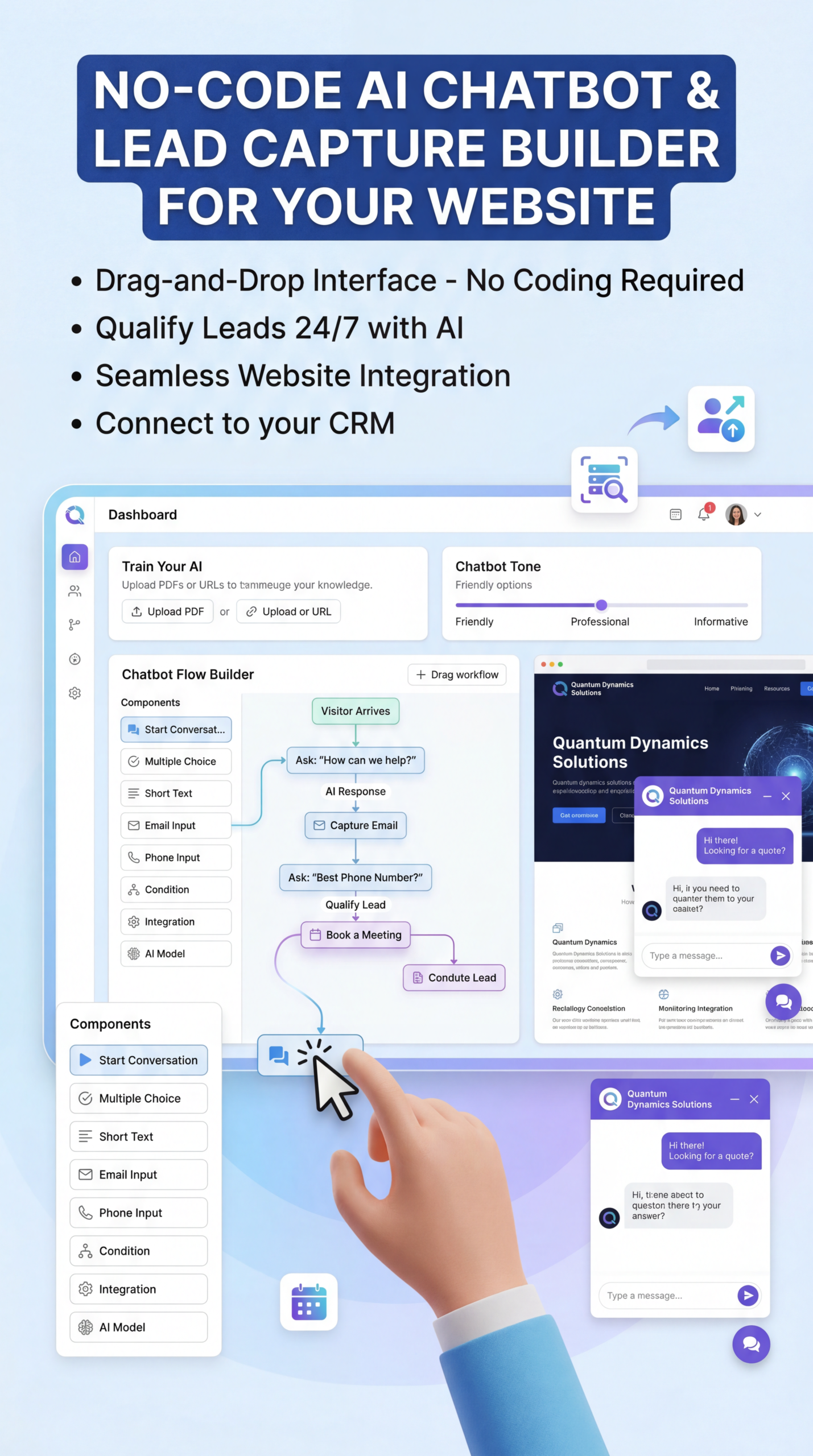
When selecting a platform, consider factors such as ease of use, available integrations, pricing plans, and the complexity of your desired chatbot flows. Some platforms offer free tiers to test their capabilities before committing to a paid plan. Explore free trials to see which platform aligns best with your needs.
Building Your Chatbot: A Step-by-Step Process
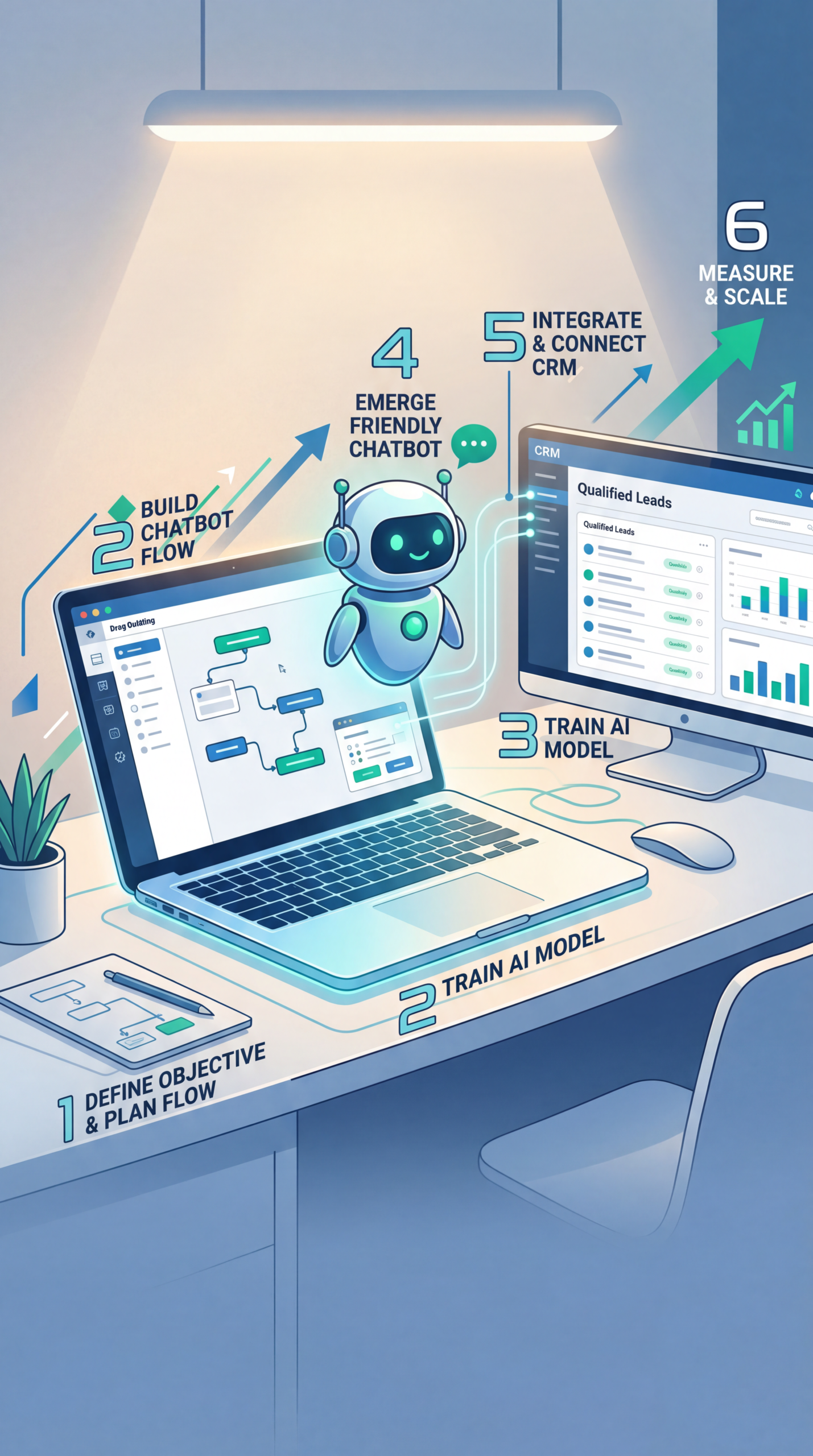
The actual chatbot creation process typically involves these steps:
- Define Your Goals: What specific tasks do you want the chatbot to accomplish? (e.g., lead capture, appointment scheduling, answering FAQs). Clearly defining objectives guides the design and functionality of your bot.
- Map Out Conversation Flows: Outline the different paths a user might take when interacting with your chatbot. Visualize the conversation – how will the bot greet visitors, ask questions, and offer solutions?
- Design the Chatbot Interface: Most platforms offer drag-and-drop interfaces to create visually appealing chat windows. Customize the bot’s appearance to align with your brand.
- Set Up Lead Capture Forms: Integrate forms within the chatbot to collect essential information from visitors (e.g., name, email, company size).
- Integrate with Your CRM: Connect your chatbot to your Customer Relationship Management (CRM) system. This allows you to automatically add new leads and track their interactions. Platforms like HubSpot and Salesforce offer seamless chatbot integrations.
Practical Experience & Real Use Case
Let’s say you run a SaaS company offering project management software. You want to use a chatbot on your website to generate leads and qualify potential customers.
Scenario: A visitor lands on your landing page.
Chatbot Interaction:
- Greeting: The chatbot greets the visitor: “Hi there! Welcome to [Your Company]. Are you looking for a better way to manage your projects?”
- Qualification Question: “What size is your team?” (options: 1-10, 11-50, 51+).
- Follow-up: Based on the response, the chatbot asks: “What are your biggest project management challenges?” (open-ended question).
- Lead Capture: If the visitor offers to learn more, the chatbot prompts for their email address and phone number. “Great! Please provide your email and phone number, and I’ll send you a case study and schedule a brief demo.”
- CRM Integration: The collected information is automatically sent to your CRM.
Common Mistakes & Fixes:
- Overly Complex Flows: Beginners often try to create overly elaborate conversation trees, leading to a confusing user experience. Simplify the flows initially and expand upon them based on user feedback.
- Ignoring Personalization: Generic chatbot interactions can feel impersonal. Tailor the chatbot’s responses based on user data where possible.
- Poorly Defined Qualification Questions: Asking irrelevant questions will generate low-quality leads. Focus on questions that directly indicate a visitor’s need and potential to become a customer.
Limitations and When a Chatbot Isn’t the Best Fit
While chatbots offer many benefits, they aren’t a silver bullet. They might not be suitable for complex, nuanced customer service issues that require human empathy and problem-solving skills. Furthermore, if your website doesn’t receive a significant volume of traffic, the return on investment of a chatbot might be minimal. Also, consider that some technical topics or highly sensitive information might not be appropriate for automated responses – a human touch is crucial in these instances.
| Feature | Tidio | Landbot | Chatfuel |
|---|---|---|---|
| Ease of Use | Very Easy | Moderate | Easy |
| Visual Customization | Limited | High | Moderate |
| CRM Integrations | Extensive | Good | Limited |
| Pricing | Affordable | Higher | Affordable |
Snippet-Ready Answer
How do I build a no code ai chatbot for my website to capture and qualify leads? Find a no-code platform like Tidio or Landbot, define your goals, map out conversation flows, and design your chatbot interface. Integrate lead capture forms and connect it to your CRM to automatically manage new leads.
Frequently Asked Questions
What are the key benefits of using an AI chatbot for lead generation?
An AI chatbot can capture leads 24/7, qualify them based on their responses, and provide instant answers to common questions, improving your sales pipeline.
Can I integrate my chatbot with my existing CRM?
Most no-code chatbot platforms offer integration options with popular CRM systems like HubSpot, Salesforce, and Zoho, streamlining your lead management process.
How much does it cost to build and maintain a chatbot?
Pricing varies depending on the platform and features needed, ranging from free plans with limited functionality to paid subscriptions with more advanced capabilities.
Conclusion
Building a chatbot to capture and qualify leads is a valuable investment for any business looking to enhance its online presence and streamline its sales process. With the rise of intuitive, no-code platforms, it’s now easier than ever to create a powerful lead generation tool without requiring extensive technical skills.
Ready to explore more ways to grow your business? Share your thoughts in the comments below or explore our other articles on [related topic 1] and [related topic 2].
Share this content:













Post Comment