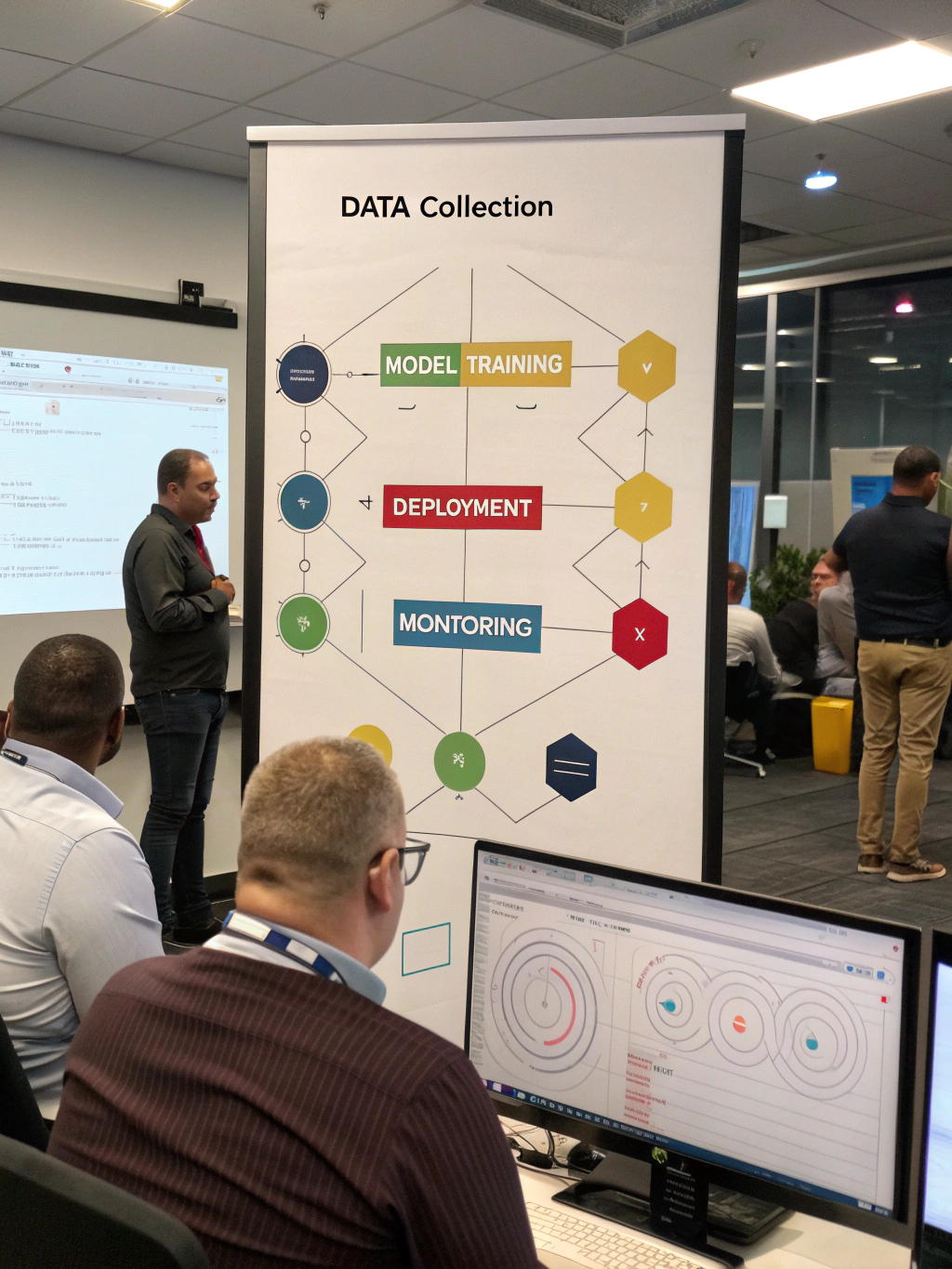
AI Automation Workflows: How to Build Them
Streamlining Your Business: The Power of AI Automation Workflows
In today’s fast-paced business environment, efficiency isn’t just an advantage—it’s a necessity. Businesses are constantly seeking ways to optimize operations, reduce costs, and free up valuable human capital. One of the most transformative approaches is leveraging intelligent technologies to automate repetitive tasks and processes. This article dives deep into ai automation workflows, exploring their potential, practical applications, and what to consider when implementing them. We’ll cover everything from the core concepts to real-world examples and potential pitfalls.
What Exactly Are AI Automation Workflows?
At its core, an automation workflows involves using software and, increasingly, intelligent agents to handle tasks that would typically require manual effort. These workflows aren’t simply about replacing human tasks; they’re about augmenting them. Instead of complete replacement, the goal is to create a seamless blend of human expertise and automated processes, leading to greater speed, accuracy, and scalability. Think of it as building digital pipelines. Data flows through these pipelines, triggers actions, and generates insights—all with minimal human intervention.
This approach leverages various technologies like Robotic Process Automation (RPA), machine learning, and natural language processing (NLP). These technologies work together to achieve a level of automation previously unattainable.
Boosting Productivity with AI-Powered Automation
The benefits of incorporating automation into your business are substantial. Consider these key advantages:
- Increased Efficiency: Repetitive tasks are executed faster and with fewer errors. This frees up employees to focus on higher-value activities requiring creativity and strategic thinking.
- Reduced Operational Costs: Automation minimizes labor costs associated with manual processes. Fewer errors also translate to reduced costs related to rework and corrections.
- Improved Accuracy: Automated systems are less prone to human error, ensuring greater consistency and reliability of outcomes.
- Enhanced Scalability: Automation allows businesses to handle increasing workloads without proportionally increasing staff.
- Data-Driven Insights: Automated workflows generate data that can be analyzed to identify bottlenecks, optimize processes, and improve decision-making.
Building Effective AI Automation Workflows: A Step-by-Step Guide
Implementing ai automation workflows requires a structured approach. Here’s a step-by-step framework:
- Identify Repetitive Tasks: Begin by mapping out your business processes and pinpointing tasks that are time-consuming, rule-based, and prone to errors. Think data entry, invoice processing, customer onboarding, or report generation.
- Choose the Right Tools: Select the automation tools that align with your specific needs and budget. Options range from low-code platforms to more specialized RPA solutions.
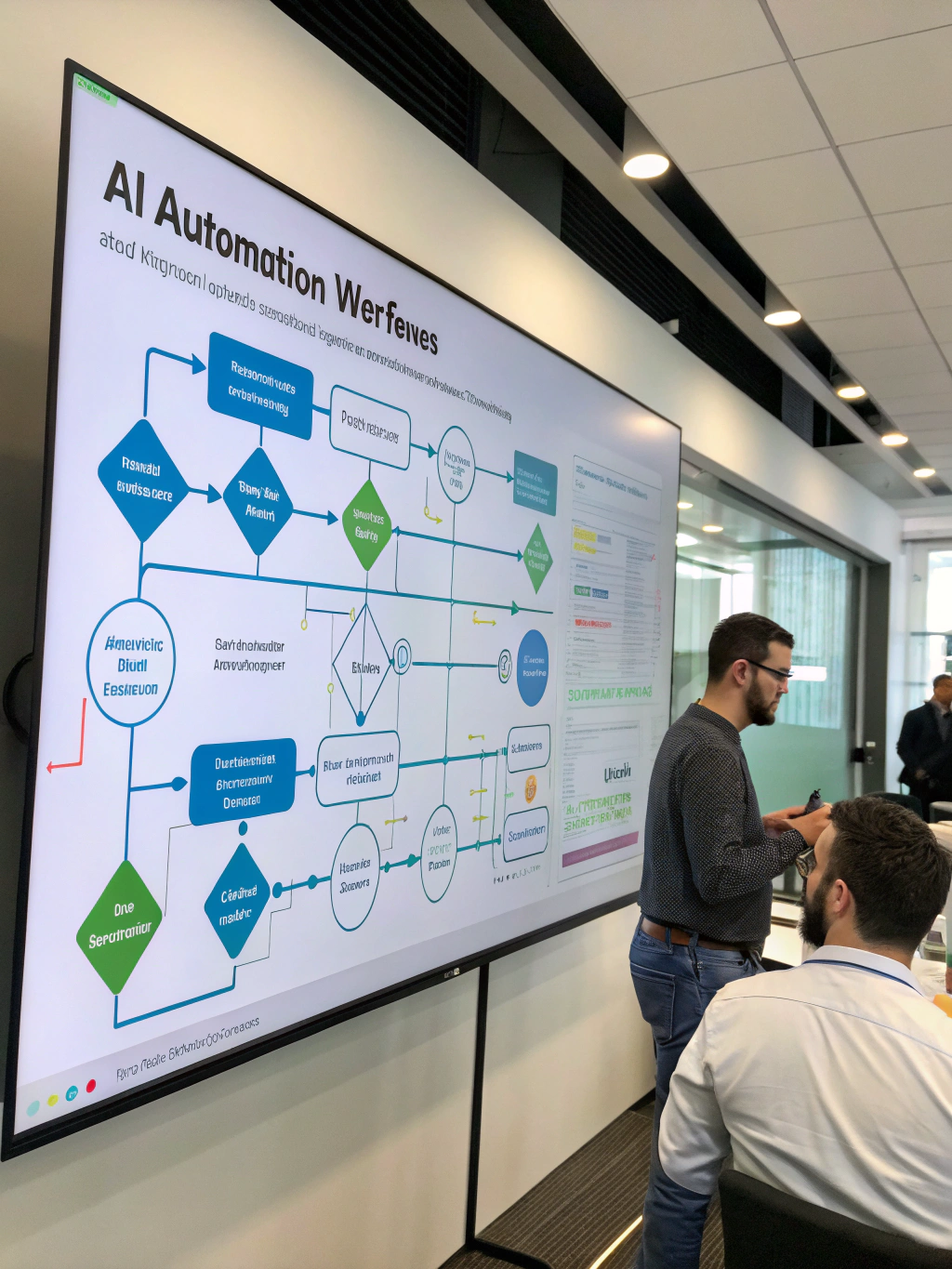
- Design the Workflow: Visually map out the steps in your automation workflows. Consider triggers, actions, decision points, and error handling.
- Test and Iterate: Thoroughly test the workflow to ensure it functions as intended. Gather feedback, identify areas for improvement, and refine the process.
- Monitor and Optimize: Continuously monitor the performance of your workflows and make adjustments as needed.
Practical Experience & Real Use Case
Let’s consider a common scenario: invoice processing for a medium-sized e-commerce business. Previously, this involved manually extracting data from invoices, entering it into accounting software, and routing it for approval. This process took an average of three days per invoice and was prone to transcription errors.
The solution? Implementing an RPA solution coupled with OCR (Optical Character Recognition) and intelligent document processing. First, an RPA bot is configured to monitor an email inbox for incoming invoices. Once an invoice arrives, the OCR engine extracts key data like vendor name, invoice number, date, and amounts. The extracted data is then automatically populated into the accounting system. Routing rules based on vendor or amount trigger approval workflows.
Common Beginner Mistakes & How to Fix Them: One common error is failing to properly “clean” the data before feeding it into the workflow. Dirty data can cause the entire process to fail. Dedicate time to data validation and cleansing rules within the automation setup. Another pitfall is neglecting error handling. If the bot encounters an unexpected format, it should be designed to flag the issue and route the invoice to a human for intervention, rather than crashing. You can use conditional logic to handle various scenarios.
Limitations & Drawbacks of Automation
While incredibly powerful, ai automation workflows aren’t a silver bullet.
- Initial Investment: Implementing automation tools can involve a significant upfront investment in software licenses, hardware, and training.
- Complexity: Developing sophisticated workflows can be complex, requiring specialized skills and expertise.
- Maintenance: Automated systems require ongoing maintenance and updates to ensure they remain effective. Changes in underlying systems or data formats can necessitate adjustments to the workflow.
- Lack of Adaptability: Automated processes excel at handling predictable tasks. They may struggle with novel situations or exceptions that fall outside their programmed parameters.
Comparison of Automation Platforms
| Feature | UiPath | Automation Anywhere | Microsoft Power Automate |
|---|---|---|---|
| Pricing | Enterprise | Enterprise | Subscription-based |
| Ease of Use | Moderate | Moderate | User-Friendly |
| Scalability | High | High | Moderate |
| AI Capabilities | Strong | Strong | Growing |
| Integration | Extensive | Extensive | Microsoft Ecosystem |
Quick Answer: What is the simplest use case for automation workflows?
Automating data entry from a PDF invoice to a spreadsheet is a common and simple use case. OCR technology extracts data, and RPA then inputs it into the designated location.
Frequently Asked Questions
How do automation workflows help with customer service?
Automation workflows can automate responses to frequently asked questions, route customer inquiries to the appropriate department, and even proactively identify and resolve potential customer issues. This dramatically improves response times and customer satisfaction.
What are the key steps in creating an automation workflow?
The main steps are identifying the task, designing the workflow (mapping steps), choosing appropriate tools, building the workflow, testing thoroughly, and finally, monitoring and optimizing for continued efficiency.
Is automation the same as AI?
No, while often used together, they’re distinct. Automation refers to using technology to execute tasks automatically, often following pre-defined rules. AI incorporates learning and adaptability, making it suitable for more complex and nuanced decision-making within workflows.
Conclusion
AI automation workflows are revolutionizing the way businesses operate. By automating repetitive tasks, businesses can realize significant gains in efficiency, accuracy, and scalability. While implementation requires careful planning and investment, the potential rewards are substantial. As technology continues to evolve, the power of automation will only grow, enabling businesses to thrive in an increasingly competitive landscape.
Ready to explore even more efficient ways to streamline your operations? Share your thoughts in the comments below, or check out our article on automation workflows!
Share this content:













Post Comment