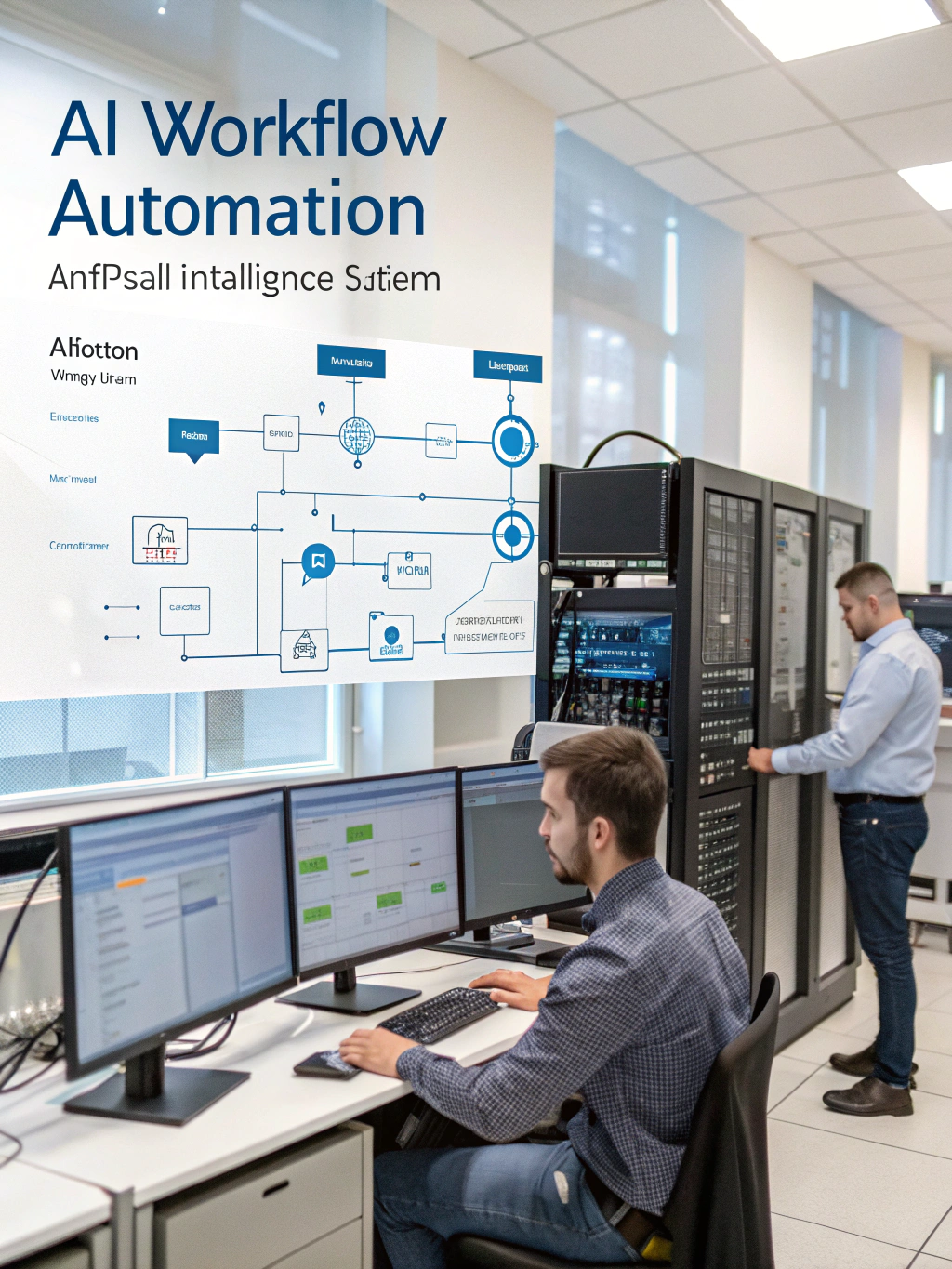
AI Workflow Automation Tools That Work
Streamlining Your Business with Intelligent Automation: A Deep Dive into AI Workflow Automation
The business landscape is constantly evolving, demanding agility and efficiency. One of the most transformative trends reshaping how we operate is the rise of ai workflow automation. It’s not just about automating repetitive tasks; it’s about creating intelligent, interconnected processes that can adapt and optimize over time. If you’re looking for ways to boost productivity, reduce errors, and unlock new levels of innovation, understanding and implementing this technology is essential. This article explores the power of workflow automation, delves into the capabilities of artificial intelligence in this realm, and provides practical insights to help you get started.
What Exactly is AI Workflow Automation?
At its core, workflow automation involves using technology to execute processes with minimal human intervention. Traditional workflow automation relies on predefined rules and logic. However, integrating artificial intelligence elevates this concept. This means systems can learn from data, make decisions, and adjust workflows in real-time. Think of it as adding a layer of cognitive intelligence to your existing processes. Instead of rigid steps, you now have adaptive paths driven by data analysis and machine learning. This allows for a more dynamic and responsive operational environment.
Key Benefits of Embracing Intelligent Automation
The advantages of incorporating intelligent automation are numerous and far-reaching. Businesses benefit from:
- Increased Efficiency: Automating routine tasks frees up human employees to focus on higher-value activities—strategy, creativity, and complex problem-solving.
- Reduced Costs: Minimizing manual effort directly translates to lower operational expenses.
- Improved Accuracy: Automation removes the potential for human error, ensuring consistent and reliable results.
- Enhanced Customer Experience: Faster processing times and personalized interactions lead to greater customer satisfaction.
- Better Data-Driven Decisions: AI-powered automation provides valuable insights through data analysis, supporting more informed strategic decisions.
Where Does AI Fit In? Capabilities & Applications
While standard automation handles predictable tasks, AI expands the possibilities. Here’s a glimpse into what intelligent automation can achieve:
- Intelligent Document Processing: AI can extract data from unstructured documents (invoices, contracts, emails) with remarkable accuracy, eliminating manual data entry and associated errors.
- Predictive Process Optimization: Machine learning algorithms can analyze historical data to identify bottlenecks and areas for improvement in existing workflows.
- Automated Decision-Making: AI can make decisions based on defined rules and learned patterns, accelerating approvals and responses.
- Personalized Customer Interactions: AI-powered chatbots and virtual assistants can deliver tailored support and guidance.
- Real-time Anomaly Detection: Identifying unusual activity in workflows, such as suspicious transactions, ensuring security and compliance.
Practical Experience & Real Use Case: Invoice Processing
Let’s consider an example: invoice processing within a medium-sized business. Previously, this involved manual data entry, routing invoices across departments, and resolving discrepancies, a process ripe for improvement.
The Old Way (Manual): Accounts payable staff spent numerous hours manually entering data from invoices into the accounting system. This was time-consuming, prone to errors, and delayed payments.
The AI-Powered Approach: By implementing an intelligent automation solution, we automated the entire invoice lifecycle. Optical Character Recognition (OCR) extracted data from scanned invoices. AI algorithms validated the data, matched it to purchase orders, and routed it for approval based on pre-defined rules. Discrepancies were flagged and automatically routed to the appropriate team for resolution.
Common Beginner Mistakes & How to Fix Them:
- Starting Too Big: Trying to automate everything at once can be overwhelming. Start with a pilot project – like invoice processing – to gain experience and demonstrate value.
- Poor Data Quality: AI’s effectiveness depends on the quality of the data it’s trained on. Ensure your data is clean, accurate, and properly formatted before you begin.
- Ignoring Change Management: Automation impacts people. Communicate clearly with employees, provide training, and address concerns proactively.
Fix: Begin with a small, well-defined project, focusing on data cleansing and validation as the first step. Invest in change management and ongoing training to ensure user adoption.
Comparing AI Workflow Automation Tools
Selecting the right tool is crucial. Here’s a simplified comparison to aid your evaluation.
| Feature | UiPath | Automation Anywhere | Microsoft Power Automate | Blue Prism |
|---|---|---|---|---|
| AI Capabilities | Strong | Moderate | Basic | Strong |
| Ease of Use | Moderate | Moderate | High | Moderate |
| Scalability | High | High | Moderate | High |
| Pricing | Complex | Complex | Variable | Complex |
Limitations & When AI Workflow Automation Isn’t the Best Fit
While incredibly powerful, ai workflow automation isn’t a silver bullet. It’s not ideal for tasks requiring high levels of creativity, complex problem-solving, or nuanced human judgment. Also, the initial investment in implementation and training can be substantial, making it less attractive for very small businesses with limited resources. Carefully evaluate the task’s complexity, data availability, and potential ROI before committing to an AI-powered solution. If the process is highly variable or subject to frequent changes, traditional automation may offer more flexibility.
Snippet-Ready Answer:
What’s the most important thing to consider when implementing AI workflow automation? Data quality is paramount. AI algorithms need clean, accurate data to learn and function effectively. Inaccurate or incomplete data will lead to flawed automation and unreliable results.
The Future of Workflow Optimization
The evolution of workflow automation is inextricably linked to advancements in artificial intelligence. Expect to see increasingly sophisticated solutions capable of handling more complex tasks and adapting to dynamic business environments.
Frequently Asked Questions
How does AI workflow automation differ from traditional workflow automation?
Traditional automation follows predefined rules, while AI workflow automation uses machine learning to adapt and improve processes over time. AI can learn from data to make intelligent decisions, while traditional systems rely on static logic.
What industries benefit most from AI workflow automation?
Industries with high volumes of repetitive tasks and data, such as finance, healthcare, and customer service, typically see the most significant benefits. Any business dealing with large amounts of structured and unstructured data can leverage automation.
Is AI workflow automation expensive to implement?
The cost of implementation varies depending on the complexity of the automation project and the chosen platform. While initial investment can be significant, the long-term cost savings and increased efficiency often outweigh the initial expenditure.
Can AI workflow automation automate tasks involving human interaction?
Yes, to some extent. For instance, AI-powered chatbots can handle basic customer inquiries. However, automating complex and sensitive interactions typically requires a hybrid approach involving both AI and human agents.
What are the key skills needed to implement and manage AI workflow automation systems?
Skills include data analysis, machine learning, programming (Python or R), and process modeling. It’s important to have a team with expertise in both technical and business domains.
Ready to explore how intelligent automation can transform your business processes? Share your thoughts in the comments below!
Share this content:













Post Comment