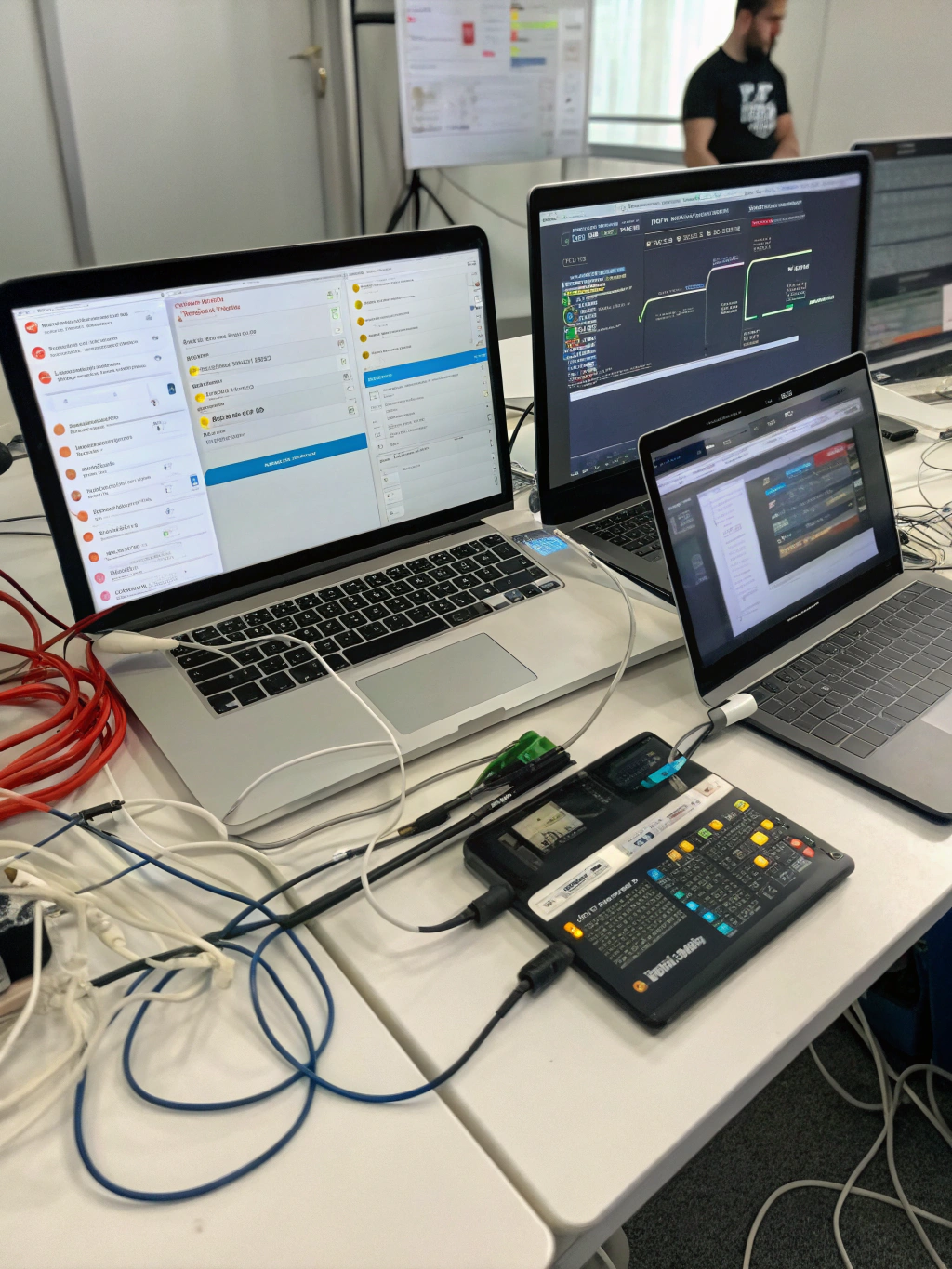
Ai Workflow Automation Tools
Streamlining Your World: Harnessing the Power of AI Workflow Automation Tools
Feeling overwhelmed by repetitive tasks and complex processes? You’re not alone. In today’s fast-paced environment, maximizing efficiency is crucial for both personal and professional success. That’s where AI workflow automation tools come into play. These innovative solutions are reshaping how we work, offering the potential to automate mundane tasks, freeing up valuable time and cognitive resources for more strategic endeavors. From simple scheduling to intricate data processing, the possibilities are expanding rapidly. This post will explore what these tools are, how they can benefit you, and what to consider when choosing the right ones for your needs.
Understanding the Rise of Intelligent Automation
The concept of workflow automation isn’t new, but recent advancements have injected a whole new level of intelligence. We’re moving beyond basic rule-based automation to systems capable of learning, adapting, and making decisions – essentially, mimicking aspects of human cognitive function. This intelligent aspect differentiates modern approaches and unlocks a wider range of automation possibilities. Think of it as having a tireless assistant capable of handling routine work, allowing you to focus on higher-value activities. The impact spans various industries, improving productivity, reducing errors, and enabling faster response times.
Key Benefits of Implementing Automation
The advantages of embracing automation are substantial. Consider these key benefits:
- Increased Efficiency: Automate repetitive tasks to save time and resources.
- Reduced Errors: Eliminate human error in data entry and processing.
- Improved Productivity: Focus on strategic work rather than manual processes.
- Enhanced Scalability: Easily handle increased workload without additional staff.
- Better Decision-Making: Leverage data-driven insights generated through automated processes.
What Are AI Workflow Automation Tools?
At its core, an AI workflow automation tools is a platform that uses artificial intelligence and machine learning to streamline and automate business processes. It combines workflow management capabilities with the ability to learn from data, identify patterns, and make intelligent decisions. This means the system can adapt to changing conditions and optimize processes over time. One of the most popular categories includes robotic process automation (RPA) which uses software robots to mimic human actions.
Real-World Applications: AI Workflow Automation Tools Examples
The utility of AI workflow automation tools is diverse. Here are some examples of how these tools are being applied in various sectors:
- Customer Service: AI chatbots handle routine inquiries, freeing up human agents for complex issues.
- Finance: Automated invoice processing, fraud detection, and financial reporting.
- Marketing: Personalized email campaigns, social media scheduling, and lead scoring.
- Human Resources: Automated onboarding processes, applicant tracking, and performance reviews.
- Operations: Automated supply chain management, inventory control, and logistics.
Practical Experience & Real Use Case: Automating Social Media Posting
Let’s look at a practical scenario: managing social media for a small business. Previously, scheduling posts across multiple platforms (Facebook, Instagram, Twitter) required manually logging into each site, crafting content, and setting schedules. This took significant time and often led to inconsistencies.
The Problem: Wasting time on repetitive scheduling, struggling to maintain a consistent brand voice across platforms.
The Solution: Utilizing a tool like Buffer or Hootsuite, integrated with AI capabilities, to automate the entire process.
Step-by-Step:
- Content Creation: Start by creating a content calendar.
- Scheduling: Use the tool’s AI-powered scheduling features to optimize post timing based on audience engagement data.
- Content Repurposing: Automate the repurposing of longer-form content (blog posts) into shorter social media updates.
- Performance Analysis: Leverage built-in analytics to track engagement and adjust the posting strategy as needed.
Common Mistakes:
- Ignoring Audience Insights: Failing to analyze engagement data for optimal scheduling.
- Inconsistent Branding: Not aligning content with the overall brand voice.
- Over-Automation: Relying too heavily on automation and neglecting genuine audience interaction.
Fixes:
- Regularly review analytics and adjust posting times.
- Develop a clear brand style guide for social media content.
- Schedule time for manual engagement and community building.
Limitations & Drawbacks
While incredibly powerful, AI workflow automation tools aren’t a panacea. They have limitations. Initial setup and configuration can be complex, requiring technical expertise. Over-reliance on automation can also lead to a loss of human touch and empathy, particularly in customer-facing roles. Some solutions may face challenges with unstructured data or tasks requiring nuanced judgment. Another consideration is the potential cost associated with implementing and maintaining these tools.
Comparing Popular Platforms
| Feature | Zapier | Make (Integromat) | Microsoft Power Automate |
|---|---|---|---|
| Ease of Use | Very Easy | Moderate | Moderate |
| Pricing | Freemium | Freemium | Subscription-based |
| Integration Options | Extensive | Extensive | Extensive |
| AI Capabilities | Basic | Advanced | Moderate |
Snippet Answer:
What is the main goal of using AI in workflow automation? It’s about enhancing efficiency and adaptability by enabling systems to learn from data and automate tasks that traditionally required human judgment, ultimately freeing up resources and fostering accelerated growth.
The Future of Automated Processes
The evolution of AI workflow automation tools is far from over. We can anticipate even greater integration with other technologies, particularly those surrounding data analysis and predictive modeling. Expect more sophisticated systems capable of handling increasingly complex tasks and adapting to evolving business needs. The ability to seamlessly connect different applications and data sources will become even more crucial.
Ready to Simplify Your Workflow?
Investing in AI workflow automation tools can significantly impact your productivity and bottom line. Are you ready to explore the possibilities? Share your thoughts on workflow automation in the comments below! Or, explore related content on boosting operational efficiency.
Frequently Asked Questions
How do I choose the right AI workflow automation tool for my business?
Assess your specific needs and the processes you want to automate. Consider factors like ease of use, integration options, pricing, and the level of AI capabilities required. Start with a free trial to test the tool’s functionality.
Are AI workflow automation tools expensive?
The cost varies depending on the chosen platform and features. Many offer freemium plans with limited functionality. As your needs grow, you can upgrade to a paid subscription.
What kind of data do AI workflow automation tools need to work effectively?
These tools thrive on structured data (like databases) but can also handle unstructured data with the help of AI-powered natural language processing (NLP) capabilities.
Can I automate complex, multi-step processes?
Absolutely! Many platforms offer visual workflow builders that allow you to design and automate intricate sequences of tasks, integrating various applications and data sources.
What are the security considerations when using AI workflow automation tools?
Ensure the tool has robust security measures in place, including data encryption, access controls, and compliance with relevant regulations.
Share this content:













Post Comment